

Scattered Information Access
Campus updates, services, announcements, and important information were spread across different channels, making it difficult for users to find what they needed quickly and reliably.

World Bank
A mobile campus platform built to improve access, communication, service visibility, and student engagement through one structured digital experience.
Project Overview
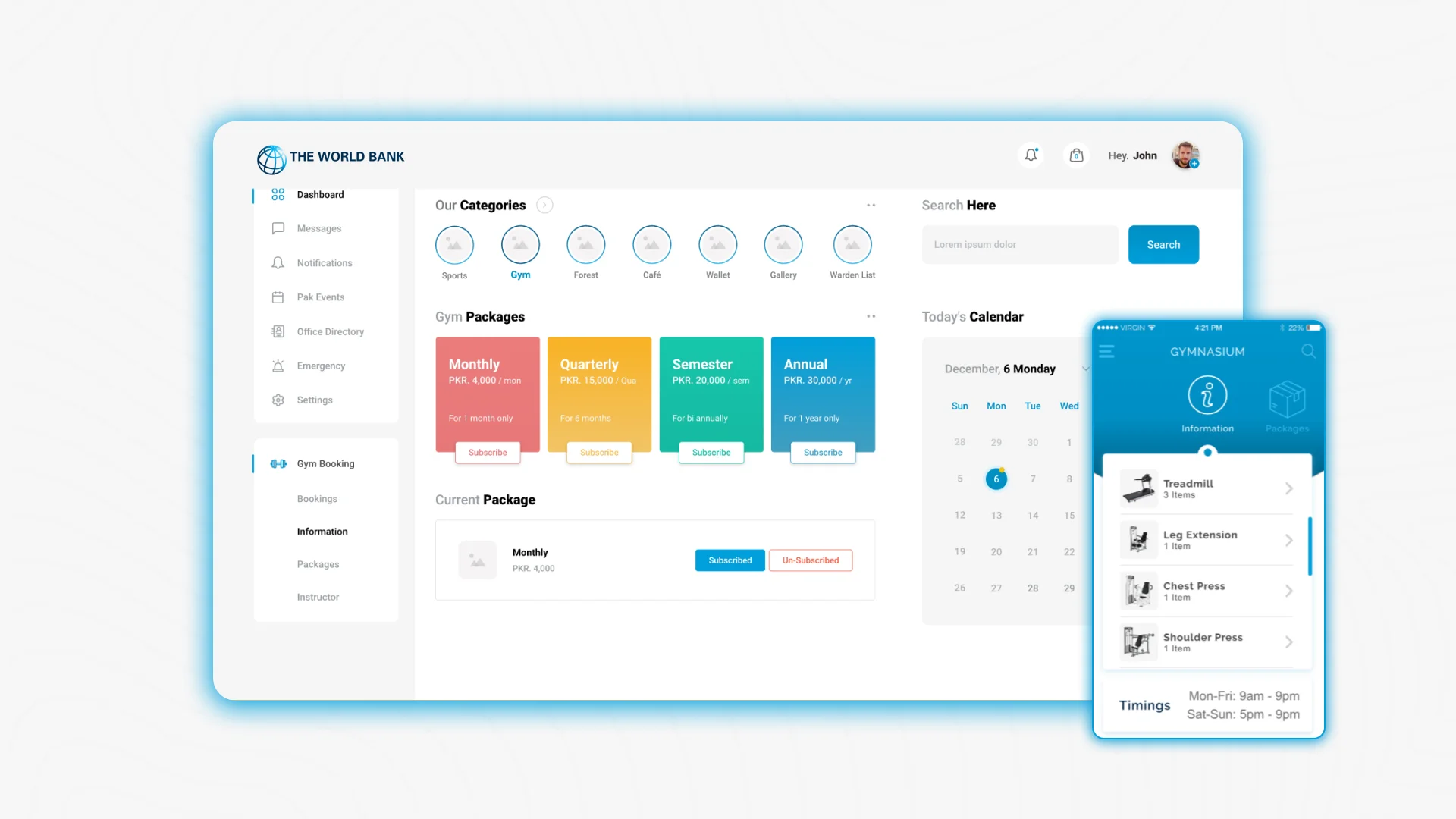
The World Bank Campus App was designed to support campus users through easier access to information, updates, services, and engagement features in one mobile platform. Centangle developed the app to make campus interaction more accessible and organised, helping users move away from scattered communication channels and engage with campus-related information through a structured digital experience.
The Mandate
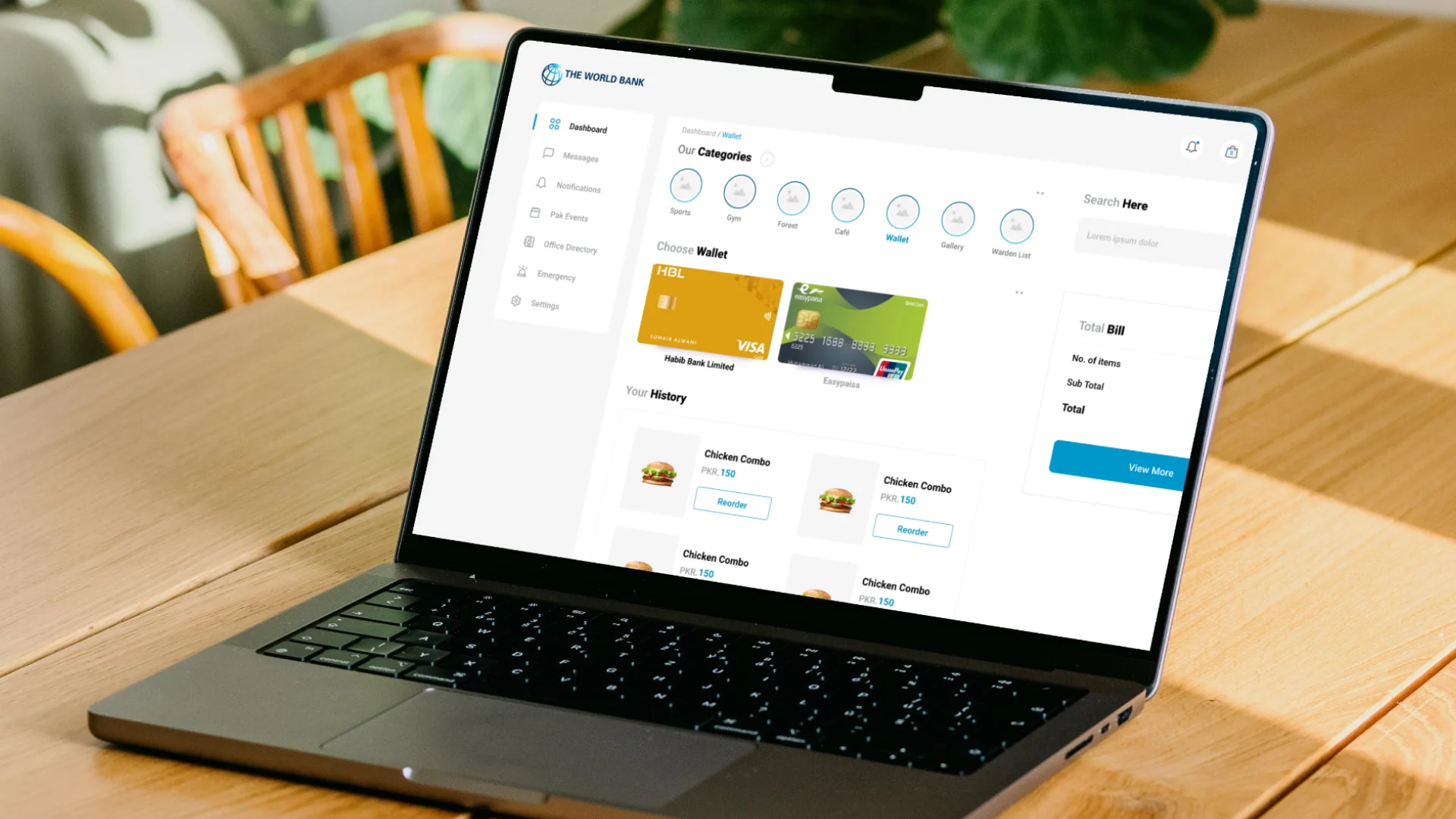
The requirement was to build a mobile-first platform that could help campus users access information, receive updates, interact with services, and stay connected through a simple and intuitive interface. The app needed to be easy to use, structured around real campus needs, and designed to help users find relevant information or complete key actions without unnecessary friction.
The Environment
Campus environments involve multiple users, services, facilities, events, updates, and information flows, which can become difficult to manage when communication is spread across emails, notice boards, messages, and manual channels. The World Bank Campus App created a clearer digital layer for campus engagement by bringing information, updates, and interaction into one accessible mobile experience.
Our Role
Centangle developed the World Bank Campus App as a mobile platform focused on user access, campus communication, service visibility, and engagement. The work centred on creating a clear app structure, intuitive interface, and mobile-first user journey that helped transform scattered campus information flows into one more organised digital experience.
The Challenge
Campus environments often involve frequent updates, multiple services, different user needs, and information spread across several communication channels. Without a dedicated mobile platform, users may depend on manual updates, emails, physical notices, or informal communication.
The challenge was to build a mobile application that could centralise campus information, improve communication, and make user engagement easier. The app needed to support different types of campus users while keeping the experience simple, practical, and accessible.
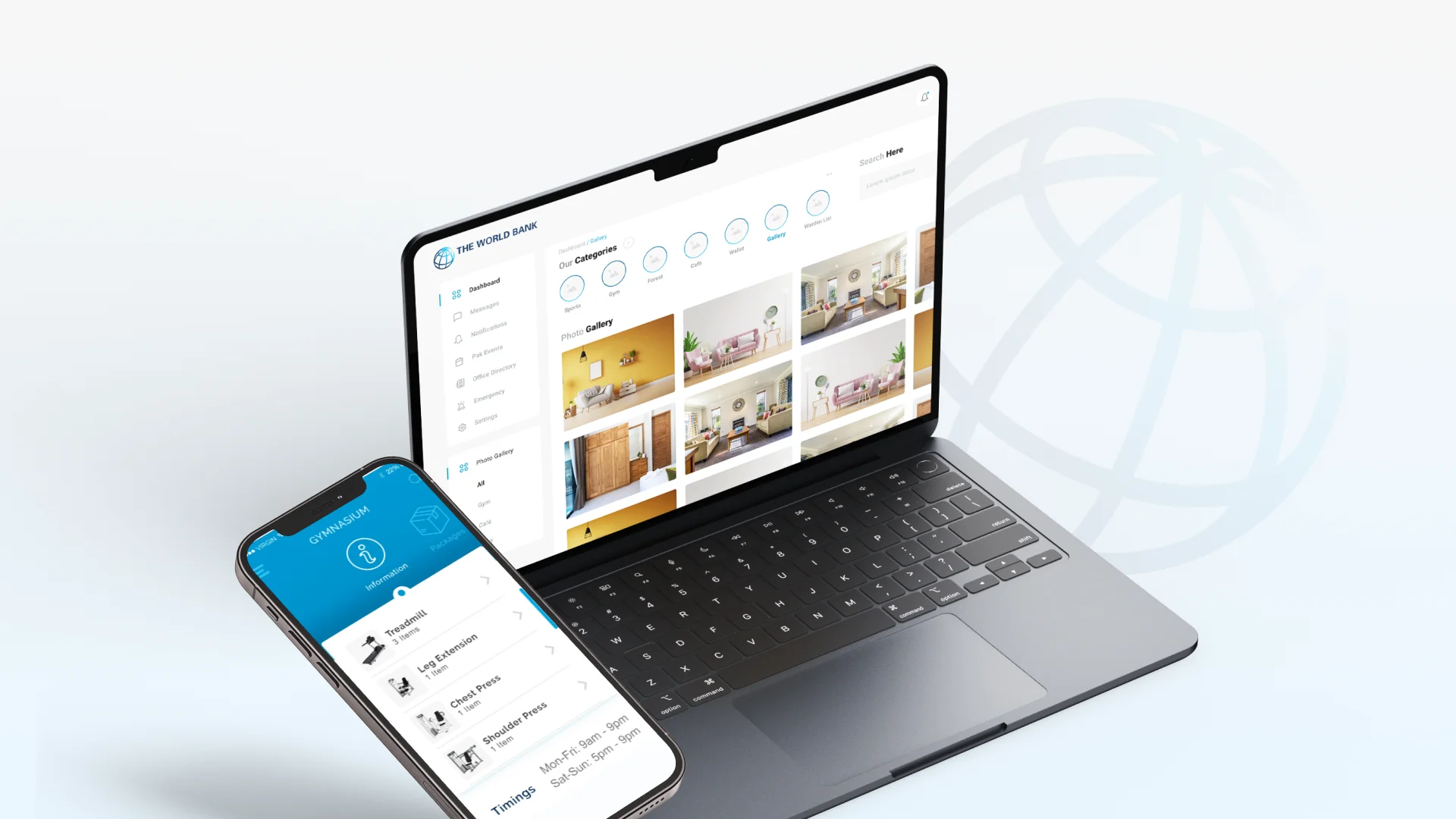
Campus updates, services, announcements, and important information were spread across different channels, making it difficult for users to find what they needed quickly and reliably.
Campus users needed a more timely and structured way to receive notices, alerts, and important updates without depending only on emails, manual messages, or physical notices.
The platform needed to support users who preferred accessing information, services, and updates directly through their phones, especially in a campus environment where convenience matters.
Campus services, content, announcements, and support areas needed to be organised clearly so users could move through the app easily and access relevant information without confusion.
THE SOLUTION
Centangle developed the World Bank Campus App as a mobile platform that centralises campus information, communication, and engagement features into one structured experience.
SYSTEM ARCHITECTURE — WORLD BANK CAMPUS APP
Campus User and Admin UI
Provides campus updates, service access, announcements, profile management, and mobile communication through one app interface.
Manages content flows, user access, service discovery, announcements, communication updates, and app interactions.
Supports alerts, notices, update feeds, user messages, and timely campus communication.
Enables content management, announcement publishing, user communication, service updates, and platform administration.
Centralises user profiles, app access details, preferences, and engagement activity.
Stores campus updates, announcements, service information, resources, and app content.
Manages admin permissions, user access, content approvals, and platform activity logs.
Provides visibility into app usage, content engagement, announcement reach, and user activity.
FEATURE 01
Users can access campus-related information, updates, services, announcements, and resources through one organised mobile platform.
FEATURE 02
The app supports timely communication by making notices, alerts, campus news, and important updates easier to publish and access.
FEATURE 03
The interface is designed for convenient mobile use, helping users quickly find information, browse services, and complete key actions from their phones.
FEATURE 04
Users can manage account details, preferences, access information, and app activity through a structured profile section.
FEATURE 05
Campus services, facilities, support areas, and information categories are organised into clear sections for easier discovery.
FEATURE 06
Administrators can manage announcements, update content, publish information, support communication, and keep the app experience current through backend support.
The World Bank Campus App was delivered through a structured process focused on understanding campus information needs, user journeys, communication workflows, interface design, mobile development, and launch support.
PHASE ONE
Understanding campus users, communication needs, service access requirements, content categories, and app objectives.
PHASE TWO
Structuring how updates, announcements, services, profiles, and user actions would move through the app.
PHASE THREE
Designing mobile interfaces for home, announcements, services, profile, and key app interactions.
PHASE FOUR
Developing the campus app with user access, content sections, announcements, service visibility, and admin support.
PHASE FIVE
Testing the app across devices, validating user flows, refining content access, and supporting launch readiness.
The World Bank Campus App helped bring campus information, announcements, service access, and user engagement into one structured mobile experience. By centralising communication and making key information accessible through mobile, the app improved convenience, reduced scattered information flows, and created a stronger digital layer for campus interaction.
WORK WITH US
Centangle helps institutions build mobile platforms that improve communication, simplify access, and create stronger digital engagement.