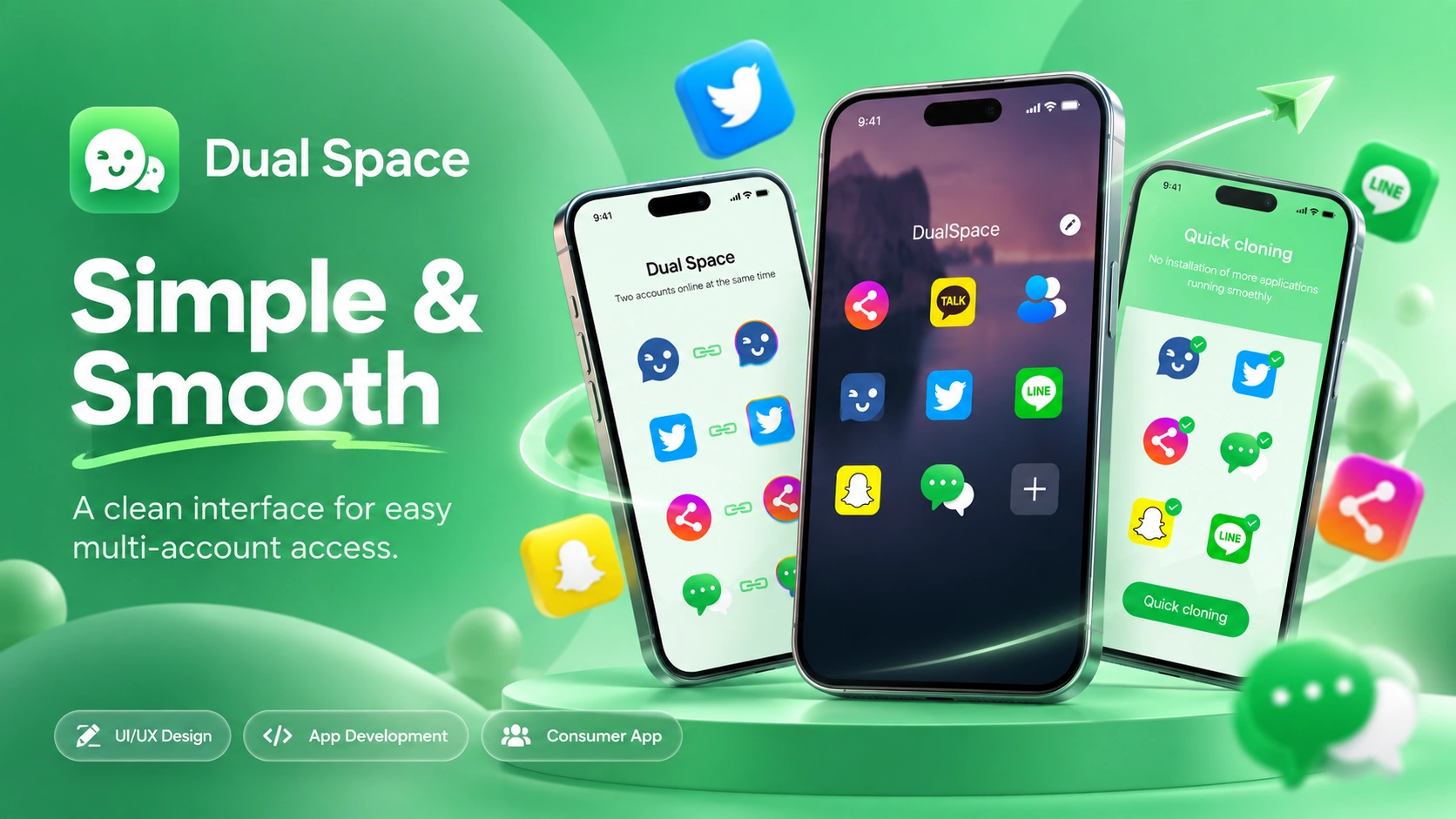

Multiple Utility Functions
Different everyday tools needed to work together within one mobile application.

Dual Space: Multi Accounts
Centangle worked on Dual Space as a consumer mobile application focused on bringing several everyday digital utilities into one convenient experience. The product combines QR code tools, contact management, digital notes, social network access, and multi-account functionality within one mobile application.
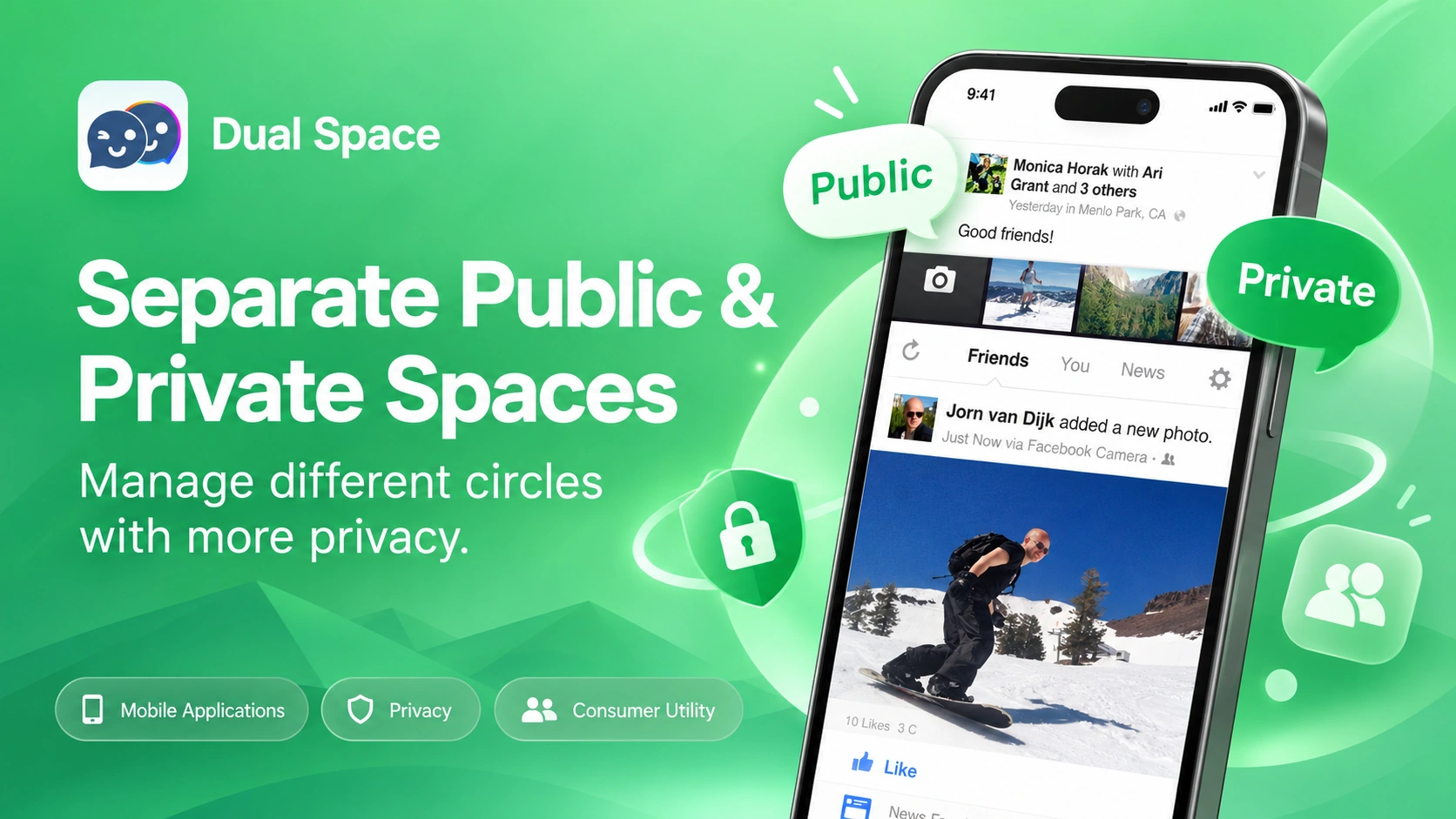
Project Overview
Dual Space was developed as a multi-purpose mobile utility that combines QR tools, contact organisation, digital notes, and social account access within one application, helping users manage different everyday digital tasks from one place.
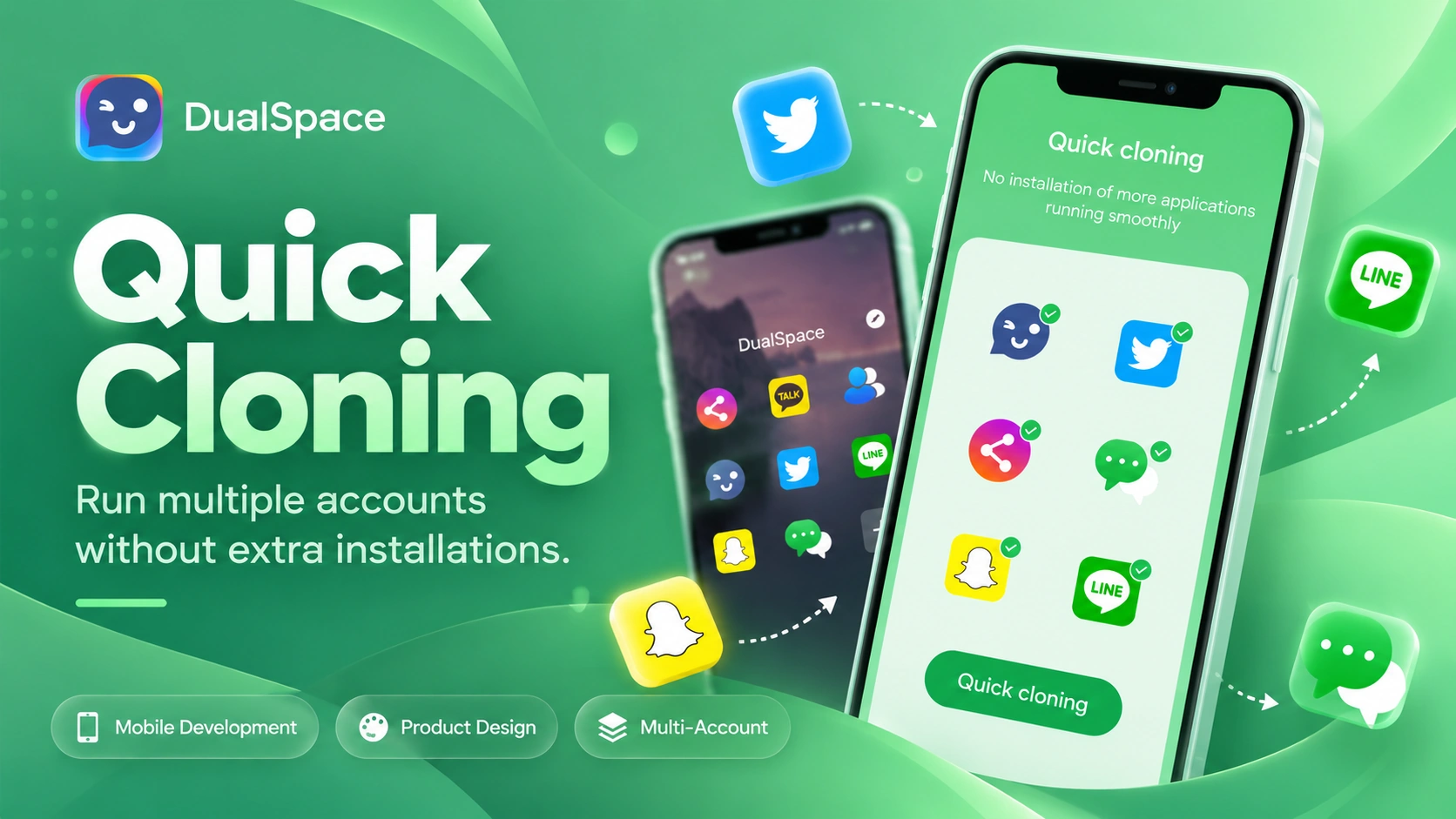
The Mandate
The project focused on bringing commonly used mobile functions into one product while keeping each utility easy to access, understand, and use without making the overall experience feel crowded or complicated.
The Environment
Users often rely on separate applications for QR scanning, QR generation, contacts, notes, and social account access, creating fragmented digital journeys for tasks that are frequently completed throughout the day.
Our Role
Centangle worked on the Dual Space mobile experience by bringing its different utility functions into one structured application designed around simple navigation, quick feature access, and everyday mobile use.
The Challenge
Combining several unrelated utilities within one application can quickly make the product difficult to navigate. Users may enter Dual Space to scan a QR code, manage contacts, access notes, or use a social account, meaning each function needed to remain easy to find and understand.
The challenge was to bring these different workflows together while maintaining a clear and consistent mobile experience.
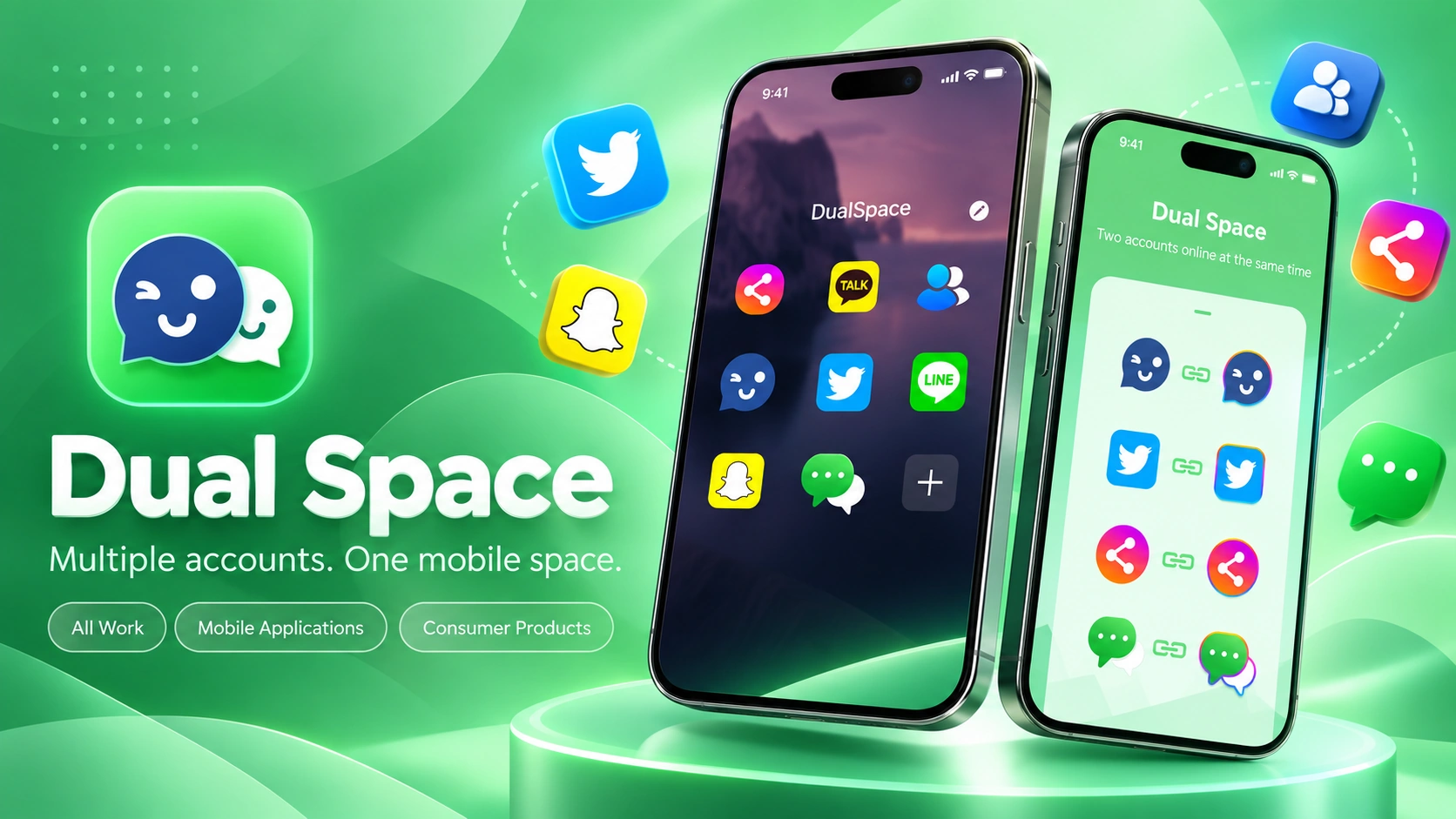
Different everyday tools needed to work together within one mobile application.
Users needed to reach the function they required without unnecessary navigation.
Users managing multiple social accounts needed a simpler way to access different account contexts.
Different utilities needed to feel like parts of one connected product rather than separate tools.
The Solution
Centangle developed Dual Space as a multi-purpose mobile experience that brought QR code tools, contacts, digital notes, and social account functionality together within one organised application. The product gave users a central place to access commonly used utilities while keeping individual workflows simple and focused.
The System Overview
Mobile Application
Gives users access to the app’s different tools and functions.
Supports access to and organisation of contact information.
Supports QR code scanning and generation workflows.
Supports creation and management of notes within the app.
Supports shared application functionality across different utilities.
Supports user settings and preference management across the experience.
Supports usage monitoring, diagnostics, and technical performance tracking.
Supports updates, stability improvements, and ongoing application maintenance.
FEATURE 01
Users can scan QR codes directly through the mobile application.
FEATURE 02
The app allows users to create custom QR codes for different purposes.
FEATURE 03
Contact-related functionality allows users to organise and access contact information within the product.
FEATURE 04
Users can create and manage notes through a dedicated utility within the application.
FEATURE 05
The product provides access to social networking functionality as part of the wider app experience.
FEATURE 06
Users can manage access to multiple social account contexts through the application.
Dual Space was developed through a structured product process focused on organising different utility functions, designing clear user journeys, building the mobile experience, and refining the product for everyday use.
PHASE ONE
Understanding the different mobile utilities, user needs, and core product requirements.
PHASE TWO
Mapping how users would access and move between the application's different functions.
PHASE THREE
Designing a clear mobile interface around quick and simple access to different utilities.
PHASE FOUR
Developing the application's core utility functions and bringing them together within one mobile product.
PHASE FIVE
Reviewing feature behaviour, usability, navigation, stability, and overall mobile experience.
Dual Space brought several commonly used mobile functions into one application, creating a more centralised way for users to access QR tools, contacts, notes, and social account features.
WORK WITH US
Centangle helps teams design and develop consumer mobile experiences that bring useful digital functions together through clear, practical, and easy-to-use products.